
Blog

Recent posts
SEARCH RESULTS FOR: Cut-in
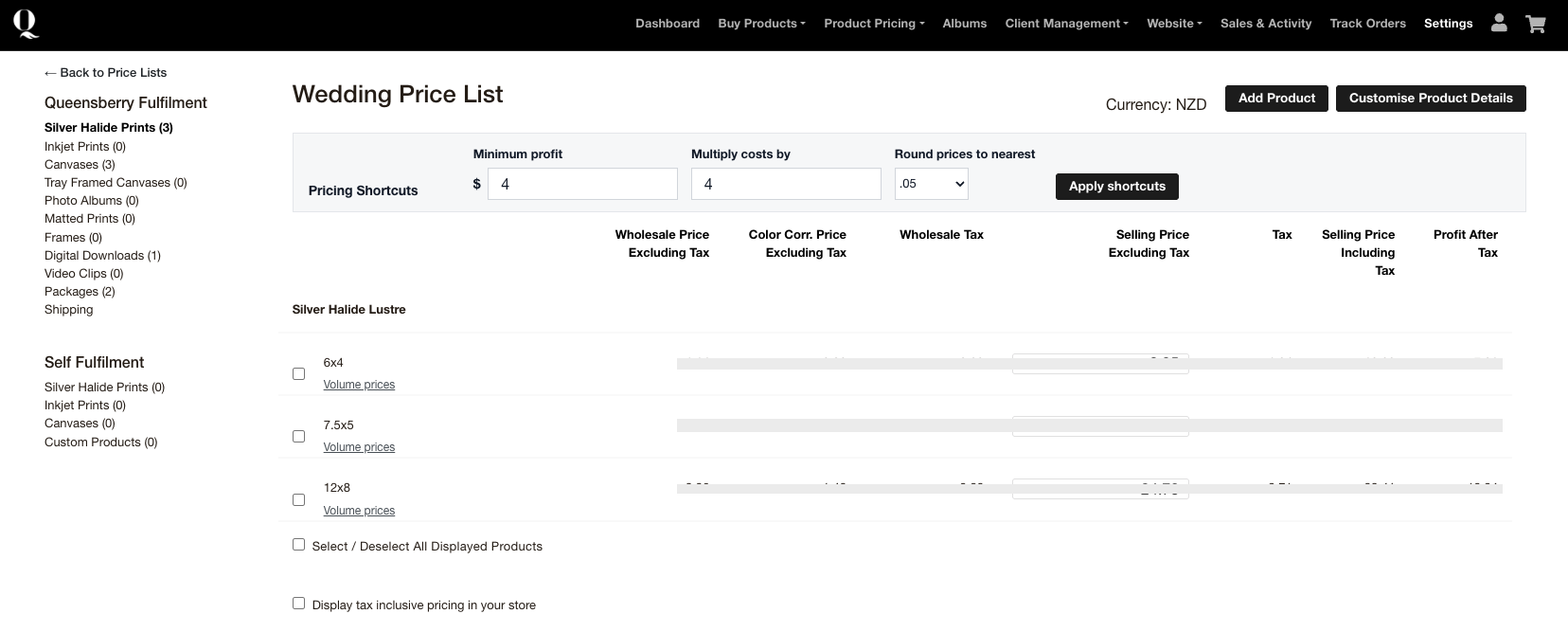
Wedding and portrait clients often want more than one photograph from their gallery. Workspace volume pricing lets you reward those larger orders while still allowing the client to choose different photographs. How volume pricing works You can set up to two quantity breaks for eligible loose prints. For example, you might offer one price when a client orders five or more prints and another when they order ten or more. The exact quantities and prices are up to you. The photographs do not need to be identical. Prints count towards the same quantity break when their product size and paper or finish To View More >>
This entry was posted in Updates by Alexandria Baugh

A few weeks ago we gave you a sneak peek at a major upgrade to our Client Galleries, designed to make it easier than ever for wedding and portrait photographers to sell print products to their clients. It' s based on what we've learned from the success of Print Shop, our other online sales platform. We're delighted to announce that it's now live, and accessible on all paid Workspace plans. Here we'll step you through the main features, but first, we're often asked — why do we offer two platforms? Because the customers are totally different, and so To View More >>
This entry was posted in Product Updates by Ian Baugh

Better emails for everyone! Most of us take great care over our “marketing”, like newsletters, special offers, advertising etc, but in a way what tells people the most about us are the little day to day interactions that we barely think about. Like our answerphone messages or our auto-reply email! Workspace sends out lots of automated emails — for example when you share galleries with your clients, when clients receive their digital downloads, or when they purchase products in your shopping cart. They’re a reflection of you — and us — and we want them to look To View More >>
This entry was posted in by Alexandria Baugh

We've introduced lots of new cover options this year, from Coastal Linens, and Haze, the beautiful new Micro Leather shade, to our new embossing options. It's great to see them all progressing through the Bindery. Here we'd like to explain a little more about our new Designable Canvas covers, the options available and how to order them in Workspace. And scroll down for 20% off your Q Book orders — for a limited time! For now the new canvas covers are available for Q Books and Portrait Albums. In Q Books they replace the old Designable To View More >>
This entry was posted in by Alexandria Baugh

Some Workspace users have more than one account (separate brands for their wedding and portrait businesses, for example). Some busy studios have several people working in the same Workspace account (photographers, designers, sales people, for example). And some users do work for the owners of multiple Workspace accounts (album designers, editors, site managers, for example). In all those scenarios the Workspace Accounts and Users function makes life very easy. Save 40% on your annual Workspace subscription. Just quote WS40 when subscribing or updating. To View More >>
This entry was posted in by Victoria Hollings

If you're wondering how to upload your logo to Workspace, read on! We'll explain how to create a favicon too. The graphic shows how we added our logo to the queensberry.com website (which is built in Workspace). 1. Select SETTINGS from in the main navigation. 2. Select Appearance from the dropdown menu. 3. Click on the Logos tab. 4. Click the Upload logo button. Save 40% when subscribing, upgrading or renewing your Workspace annual plan. Conditions apply. That's all there is to it. Your logo will be displayed full size (a 200px image will appear smaller than a 500px To View More >>
This entry was posted in by Victoria Hollings
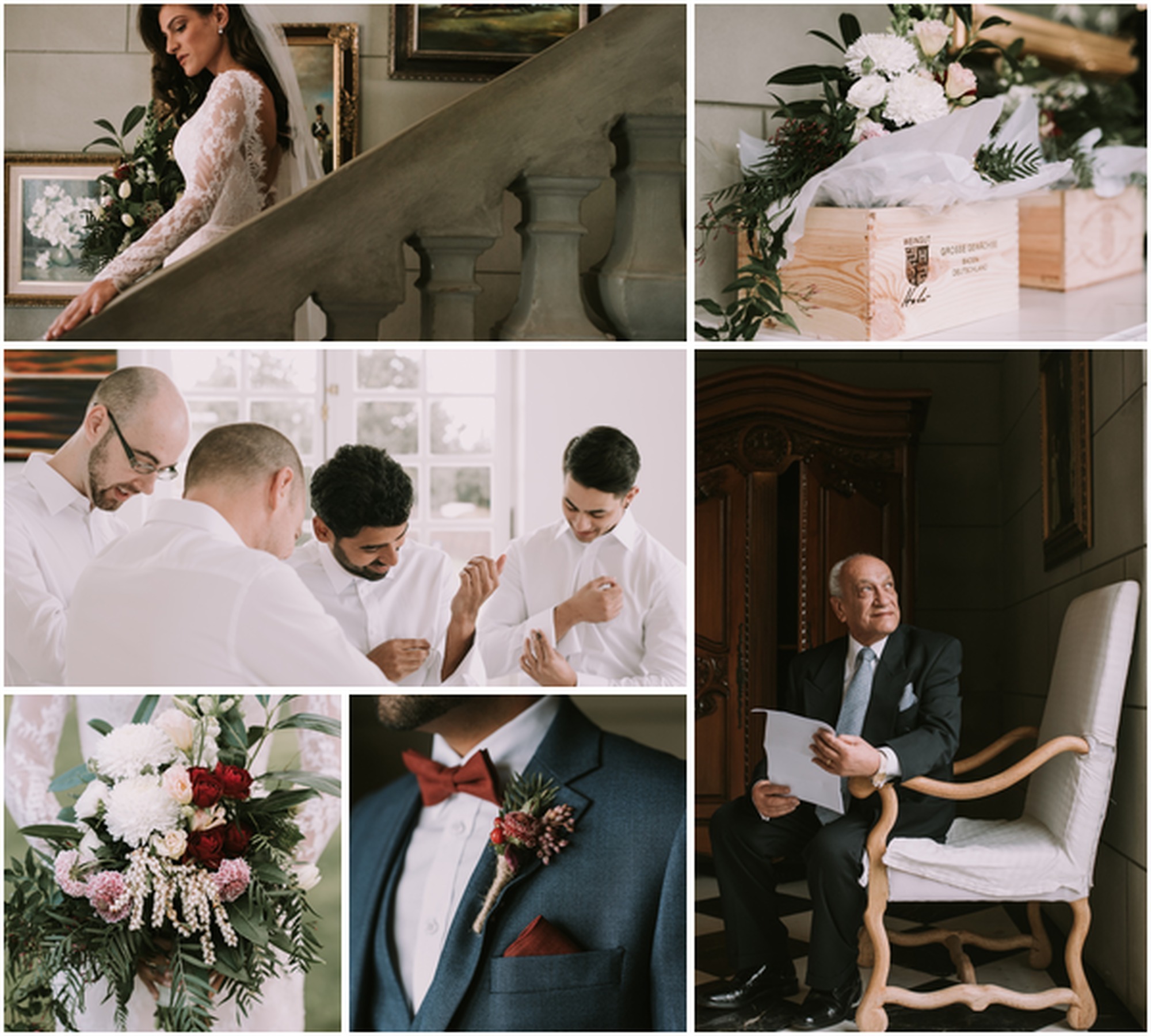
Your blog is a great way to share your work and connect with potential new clients. It's a tool for drawing people in from Facebook and other social media sites, for keeping your site fresh, interesting and ever-changing, and for keeping your image galleries and work in front of people. Share your ideas and interests too! It’s a great way make your website feel more personal. If people can get an idea of the type of person you are, they are more likely to feel comfortable and trust you. What you talk about on your blog is important. One advantage you have over other bloggers To View More >>
This entry was posted in by Victoria Hollings

Our retail shopping cart is designed to help you sell your work anywhere, anytime. This upgrade makes it easier for your clients to purchase on small devices. In this upgrade we've simplified our mobile interface, introduced a simpler approach to the icons used, and updated our product images to ensure it's quick and easy to purchase products. “Quick views” and intuitive call-to-action buttons mean more purchases in the shopping cart cart, less in the “too-hard basket"… and more sales for you. Try out the mobile shopping To View More >>
This entry was posted in by Alexandria Baugh

I've really been looking forward to multi-user login to Workspace. Well it's here and it's fantastic. But because it's meant we've had to change the way you log in, some people have found it a bit confusing - so let me explain why it's so cool, and how it works. Until now the only way to give someone access to your account has been to share your login details. It's very common but it's not good practice … and sharing your login means they can do everything that you can in your account. But suppose you have a staff member or second shooter you'd like to upload images and edit events - and nothing To View More >>
This entry was posted in by Admin

Ok it's not the same as getting a new iPhone for Christmas but for the inner Photojunction tech support geek it gets pretty close. Same with all you power users out there I reckon. For me the big one is the first... A new shortcut for choosing standard aperture sizes Instead of selecting an aperture size from the pop-up menu you can now use keyboard shortcuts to increase or decrease an aperture to the next standard size. • For Mac OSX Command+Shift+I and Command+Shift+K • For Windows Control+Shift+I and Control+Shift+K. Next we have not one, not two but three new right-click functions [caption To View More >>
This entry was posted in by Admin


