
Blog

Recent posts
SEARCH RESULTS FOR: Support
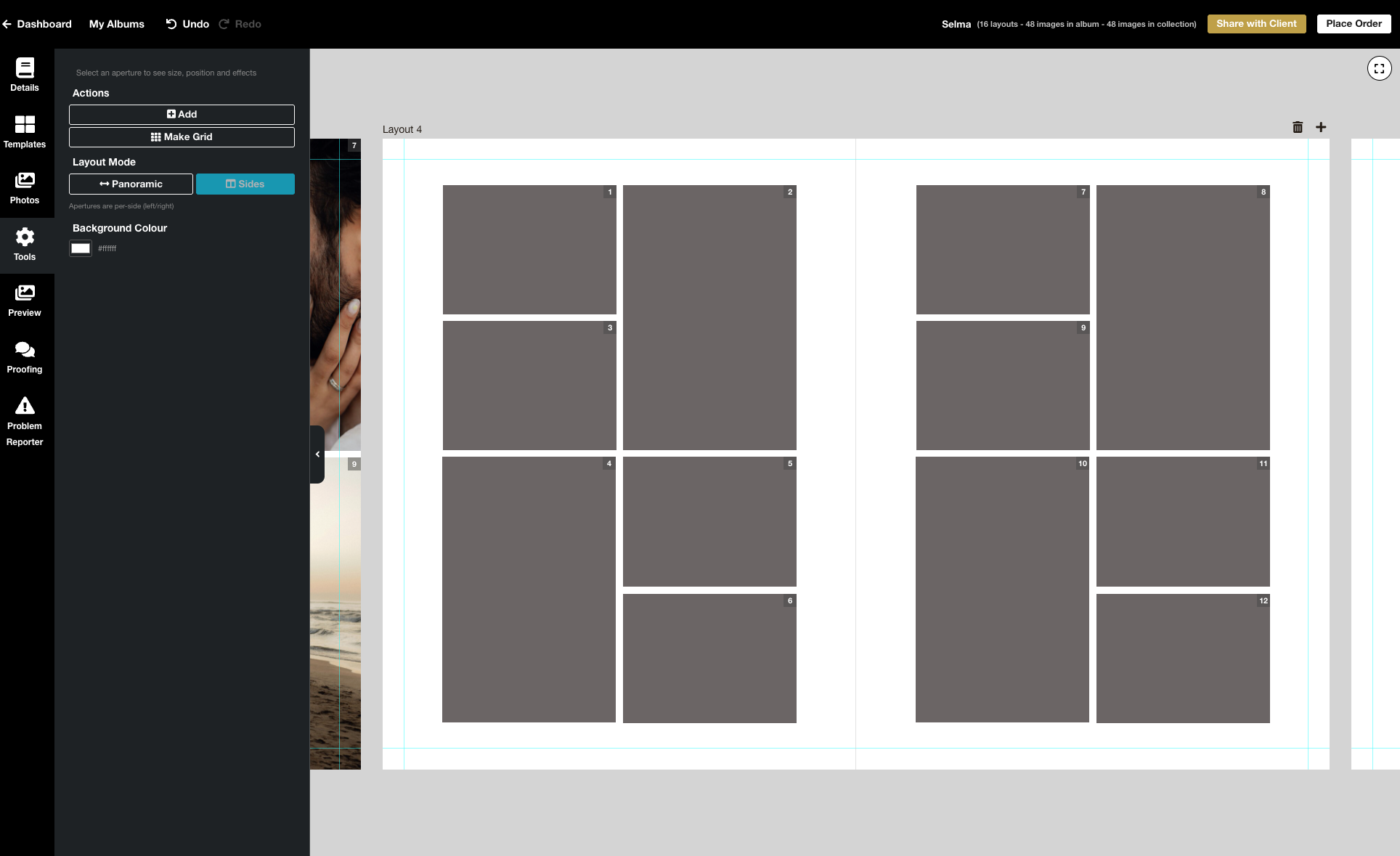
We’re excited to release the biggest update yet to our online Album Designer, focused on the things that matter most when you’re designing: control, speed, and precision. Here is a full list of what’s included in this release: Simple to use, faster and more fluid Our goal is to help you design beautiful albums easily, and you certainly can’t miss the improved performance! Even albums with many high-resolution images feel faster and more fluid: * Faster rendering * Fast movement between pages * Smoother drag-and-drop function * Reduced load times * Improved responsiveness To View More >>
This entry was posted in Product Updates by Stephen Baugh
When's the right time for a promotion? Certainly for the holidays — so your clients can have their beautiful printed products under the tree for Christmas. The ultimate in personal gifts! Or when the wedding season's over — and you have time to chase past clients who're still dilly-dallying about their album. And for what purpose? Maybe to turn your social media audience into paying customers. Or lapsed enquiries into future business. Or past customers into repeat business! But once you've defined your goal, what's involved? This is our take on it, but of course To View More >>
This entry was posted in Marketing by Alexandria Baugh

So your Print Shop is live, you’re all set and ready to go, and now you’re wondering how to get your first paying customers. Your first sales are some of the most important. They build momentum and motivation, and will help you refine your marketing strategy going forward. But it’s no surprise that they can be some of the hardest to get. Here are eight suggestions to get your first paying customers. Share the news with family, friends and your personal networks Your friends, family and personal networks are a great place to start. Not only will they want to support To View More >>
This entry was posted in Marketing by Alexandria Baugh

If you heven't logged into Workspace for a while you may be surprised next time by a very different looking platform. That’s because our December upgrade has now been rolled out. Here's what we've done. Interface upgrade (updated, simpler, more intuitive) Although much of what we've done in this upgrade is "behind the scenes", we’ve also worked hard on the user interface. We've gone for a cleaner, more contemporary look, refined things to keep pace with evolving web design standards, and repositioned and relabelled buttons and other calls To View More >>
This entry was posted in by Alexandria Baugh

We’ve just released the Queensberry Help Centre, a new resource where photographers can get answers 24/7 about things Queensberry and Workspace — everything from detailed product information to helpful video tutorials. Click here to check it out, or go to your Workspace Dashboard and click on Support. The Help Centre is a work in progress, and we’d love your feedback and suggestions for additional content. Over the next few weeks we’ll be reviewing all content for relevance, clarity and accuracy. For now the “other software” category remains in the To View More >>
This entry was posted in by Queensberry Website

Ok it's not the same as getting a new iPhone for Christmas but for the inner Photojunction tech support geek it gets pretty close. Same with all you power users out there I reckon. For me the big one is the first... A new shortcut for choosing standard aperture sizes Instead of selecting an aperture size from the pop-up menu you can now use keyboard shortcuts to increase or decrease an aperture to the next standard size. • For Mac OSX Command+Shift+I and Command+Shift+K • For Windows Control+Shift+I and Control+Shift+K. Next we have not one, not two but three new right-click functions [caption To View More >>
This entry was posted in by Admin
We are about to release a new version of Photojunction that will no longer support Macintosh pre-Intel PowerPCs, which were discontinued in 2006. This is necessary so that we can upgrade the Photojunction development environment, which no longer supports PowerPCs. If you are running a Windows PC you won't be affected. If you're running an Intel-based Mac you won't be affected either. All Macs have been Intel-based since 2007, so if your computer is newer than that you're fine. If you're not sure you can check by going to About This Mac under the Apple menu. We have announced that this is coming To View More >>
This entry was posted in by Admin

Photojunction's alignment tools are pretty cool (here's a video) but just occasionally tech support gets asked a question, and we think, "I should know that" or, "Good idea - can PJ do it?" Today I got asked about aligning images centrally between a panorama image and the edge of the page, as in the picture. When in doubt I ask a developer. Yes, they said, and here's how: 1. Add your images to the page and arrange them roughly where you want them to be. In this case I would place the pano image how I want it and then align and space the three smaller images as a group, as normal. The challenge To View More >>
This entry was posted in by Admin
Hi Guys, I have been having a few "GoToMeeting" video calls with clients recently and if I was going to comment about anything it would be how we manage files. There is a wide variety of ways people set up and work with their files, and sometimes they lead to confusion and frustration. Here's the first of a couple of posts that will help. ;) Place your files somewhere safe. Your desktop may not be the best place to save files, because you may have a tidy up and delete something that you may want to retain, at least until you get your album back. On the flip side you don't want to bury them deep To View More >>
This entry was posted in by Admin
Hello Dears! I saw this on Twitter recently: If Photojunction was a human I'd punch it in the face! Danny wrote back, Actually we are human - how can we help? The nice man apologised - because he was a nice man, and because we don't often abuse real people (unless they're partying outside our bedroom window, that is, or cutting us off at the lights). I've told my lovely boys and girls not to take this too personally…but if I could give you a wee bit of advice: If you're frustrated, getting twitchy on Twitter makes you feel better but it doesn't solve the problem. I bet you won't believe me, but To View More >>
This entry was posted in by Admin


