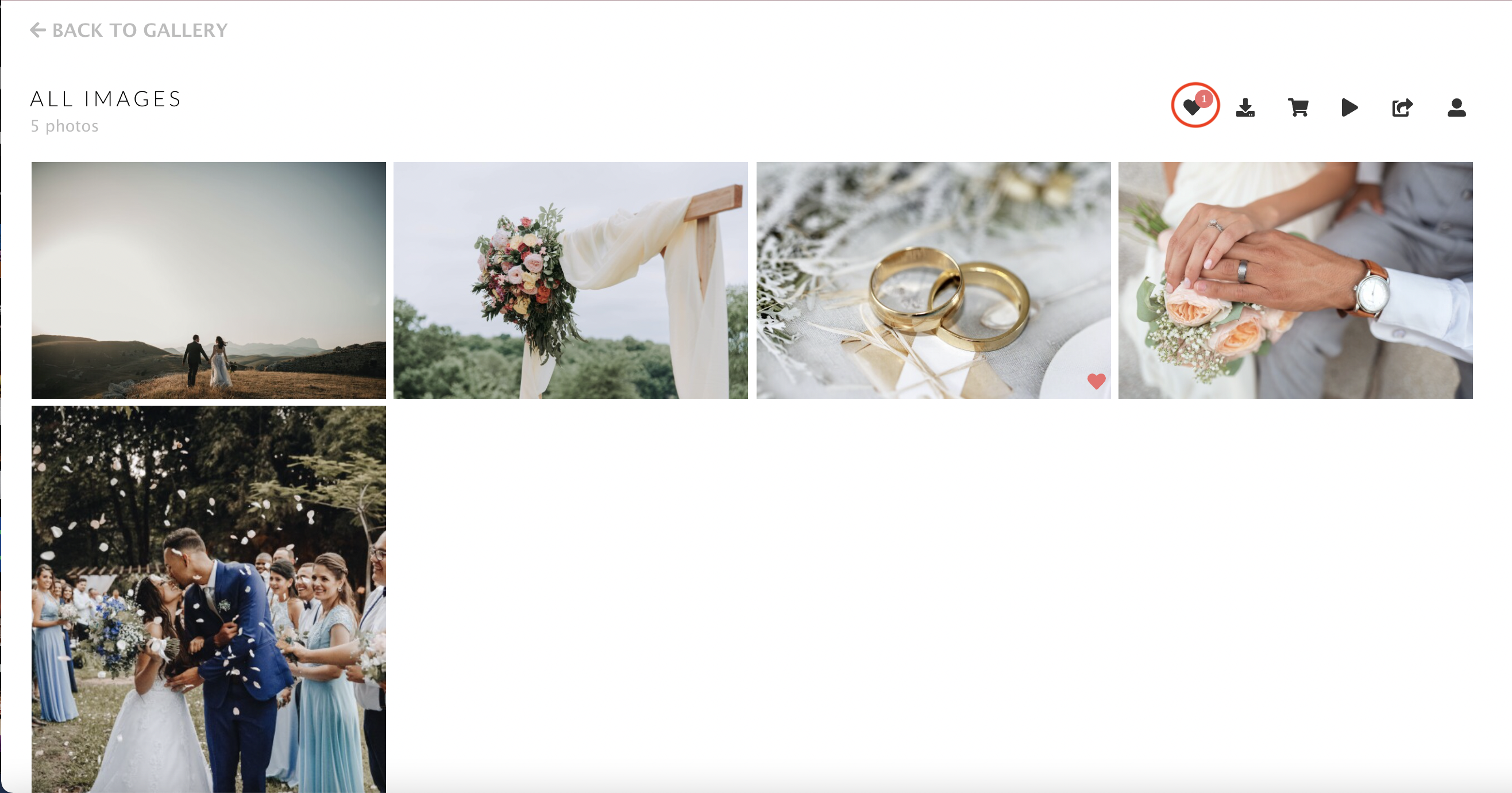
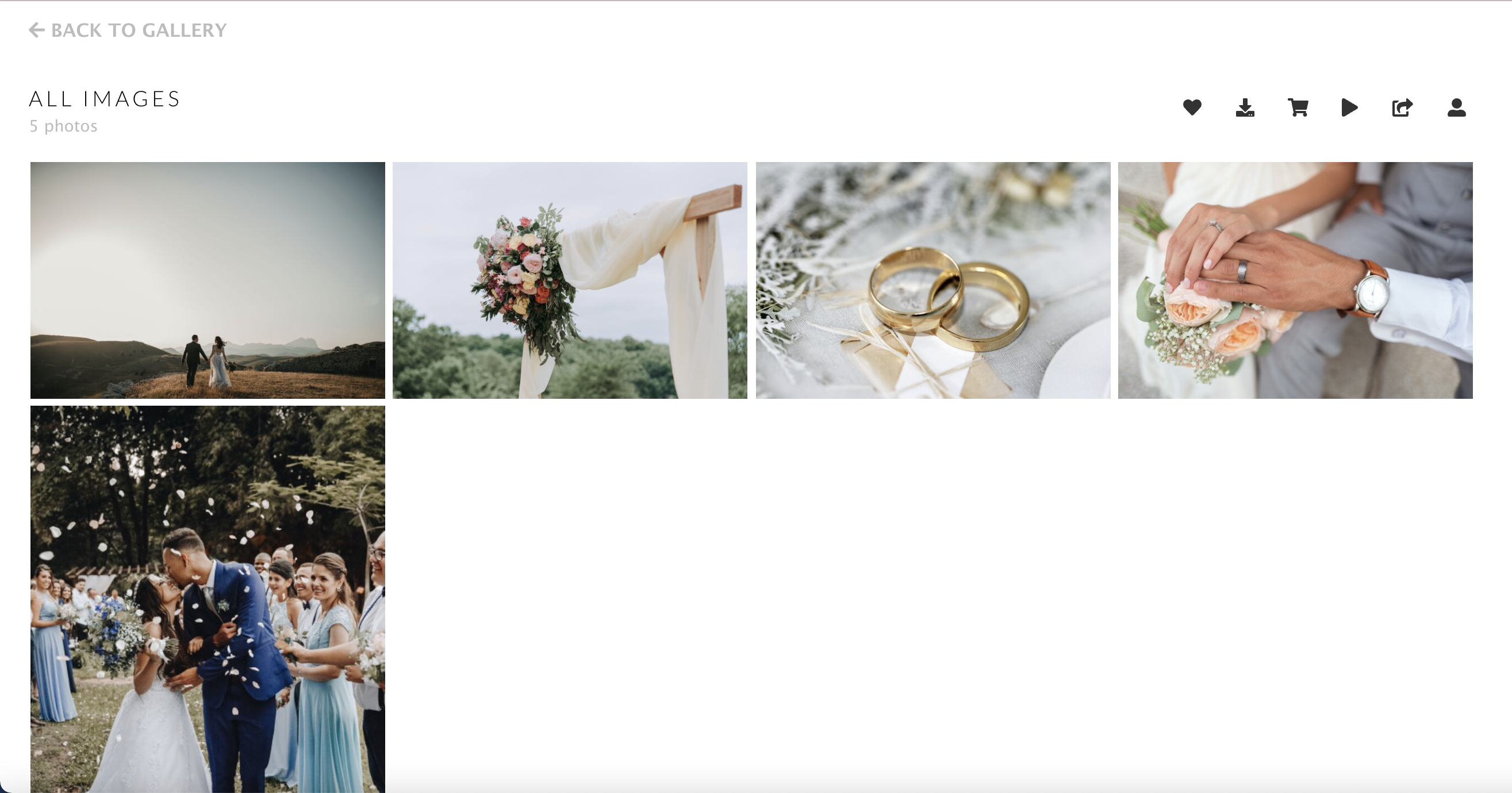
Step 1: Open your gallery.
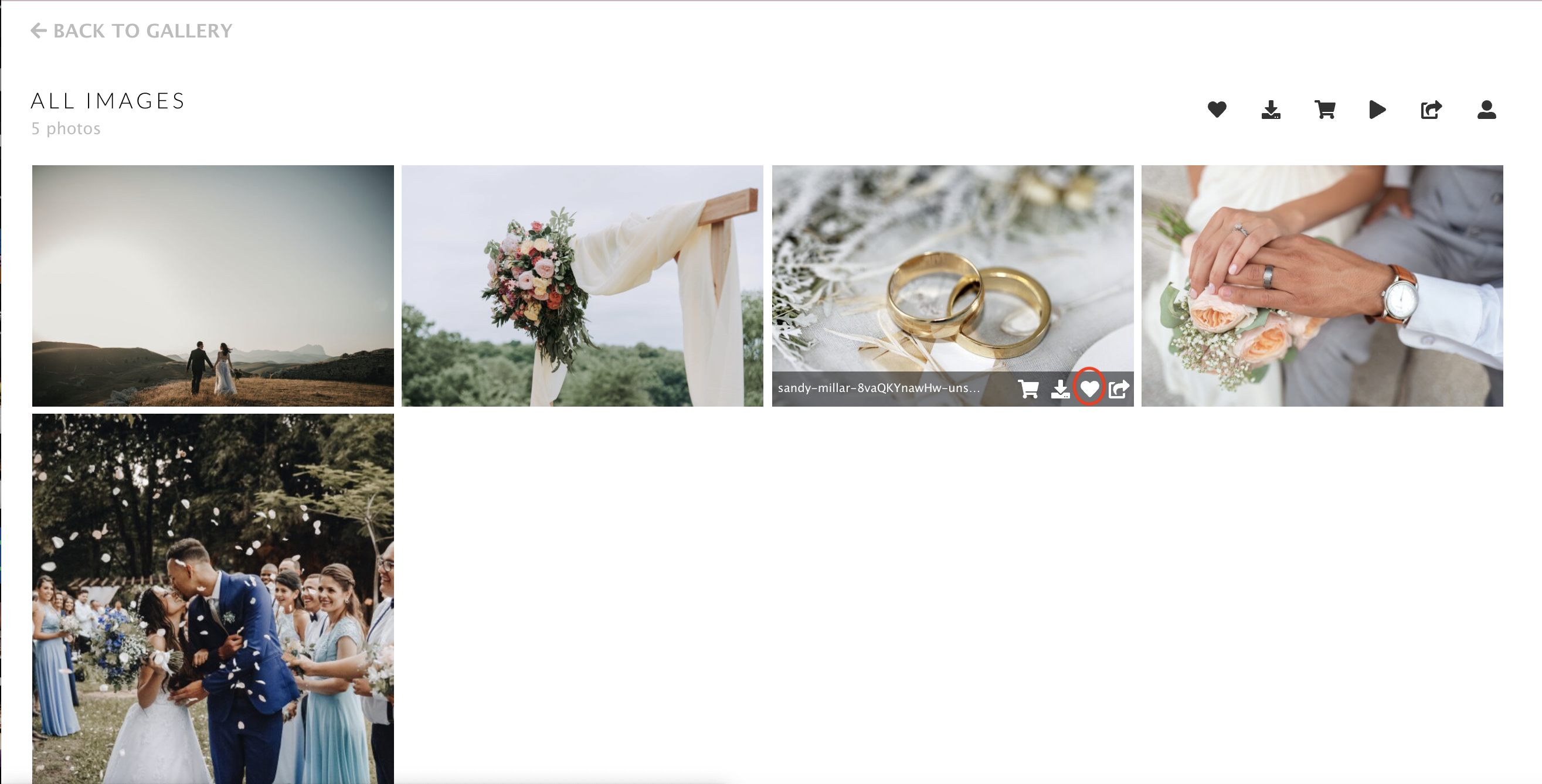
Step 2: When you find an image you would like to favourite, click the heart icon on it.
Once the image has been favourited, it will have a heart icon in the bottom corner:
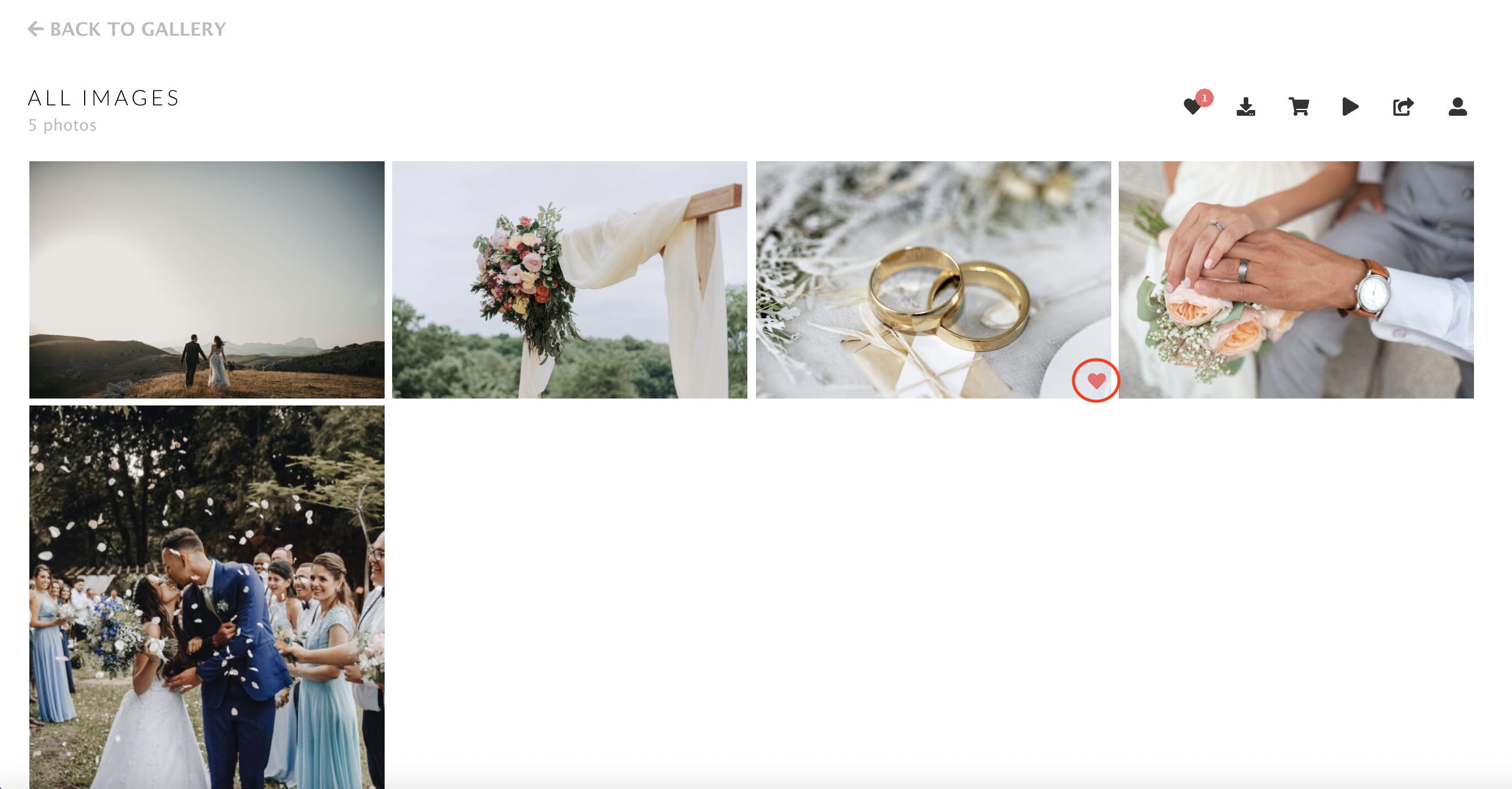
Step 3: Repeat the process for all images you would like to favourite.
To view only your favourites: scroll to the top of the gallery and click the heart icon next to the other action icons.